
Backup Database
Backup Database
Backup database setup in a PMS involves implementing a system to regularly create backups of the project management database. This includes scheduling automated backups at specified intervals and storing the backup files in secure locations, such as offsite or cloud storage. Regular backups help protect against data loss, system failures, or accidental deletions, providing a means to restore the PMS to a previous state if needed.
Backup Database
To access the Backup Database module:
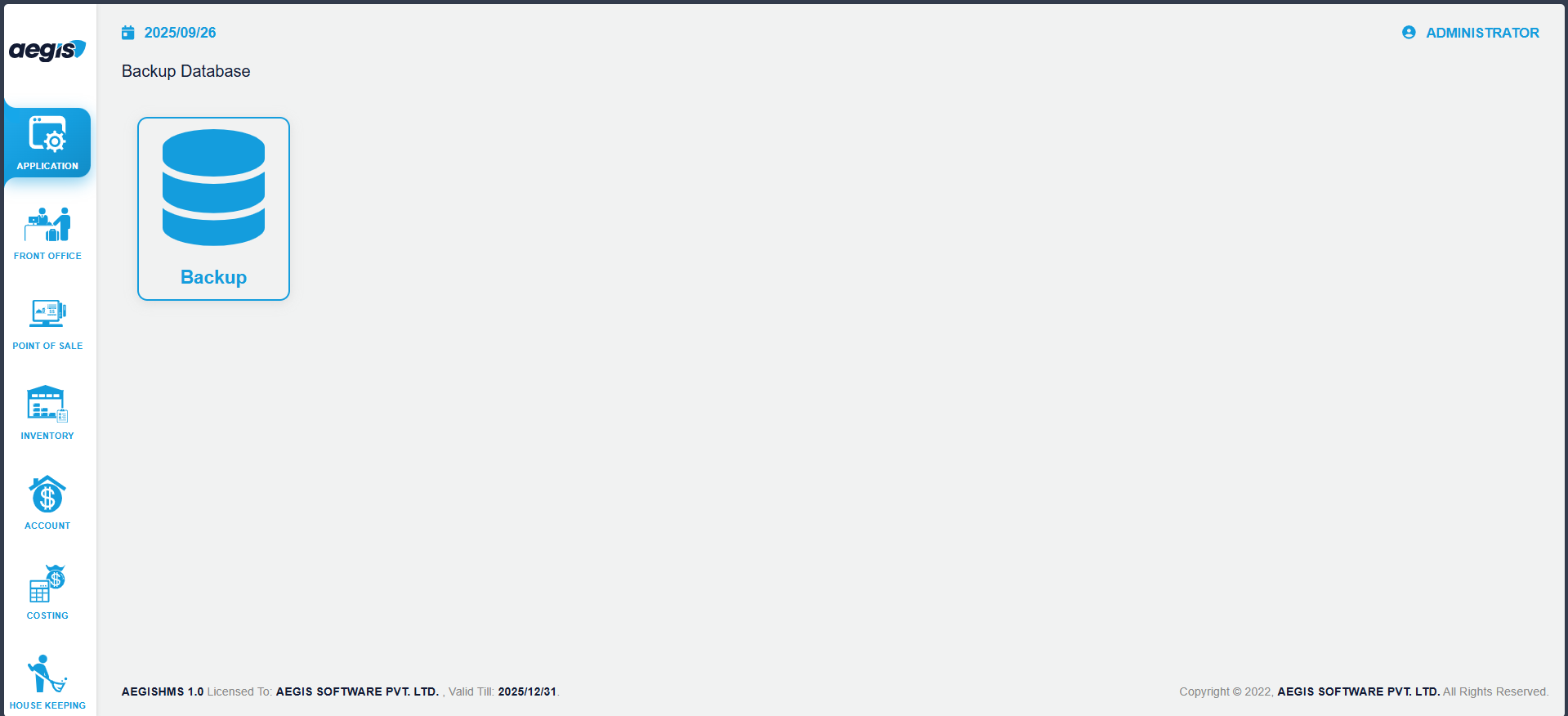
You will see the backup screen.
To create a new backup:
-
Click on the Backup icon
-
The system will start generating a backup of the current database
-
Wait until the process completes
A backup file will be created and stored in the configured location.
No Comments