
Staff Profile
Staff Profile Management
The Staff Profile module in Aegis PMS allows you to create and manage employee information required for payroll and HR-related processes. Each staff profile stores essential details such as personal information, department, designation, and employment data used throughout the HRM module.
View Existing Staff Profiles
To access and view staff profiles:
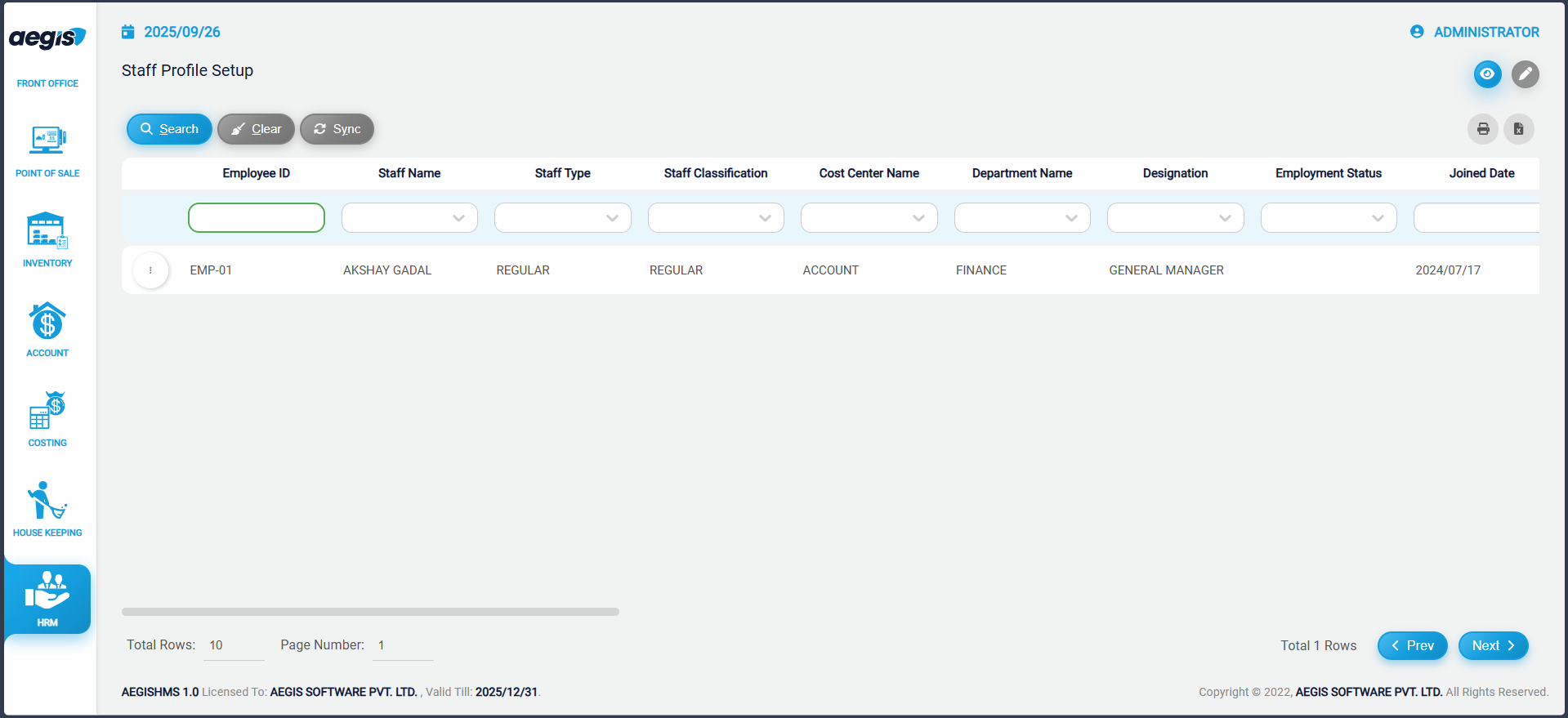
You will see a list of all staff already added to the system.
Within this screen, you can:
-
View existing staff profiles
-
Search staff using the filters provided in the header below the search boxes
-
Filter by name, department, status, or other available criteria
Add New Staff Profile
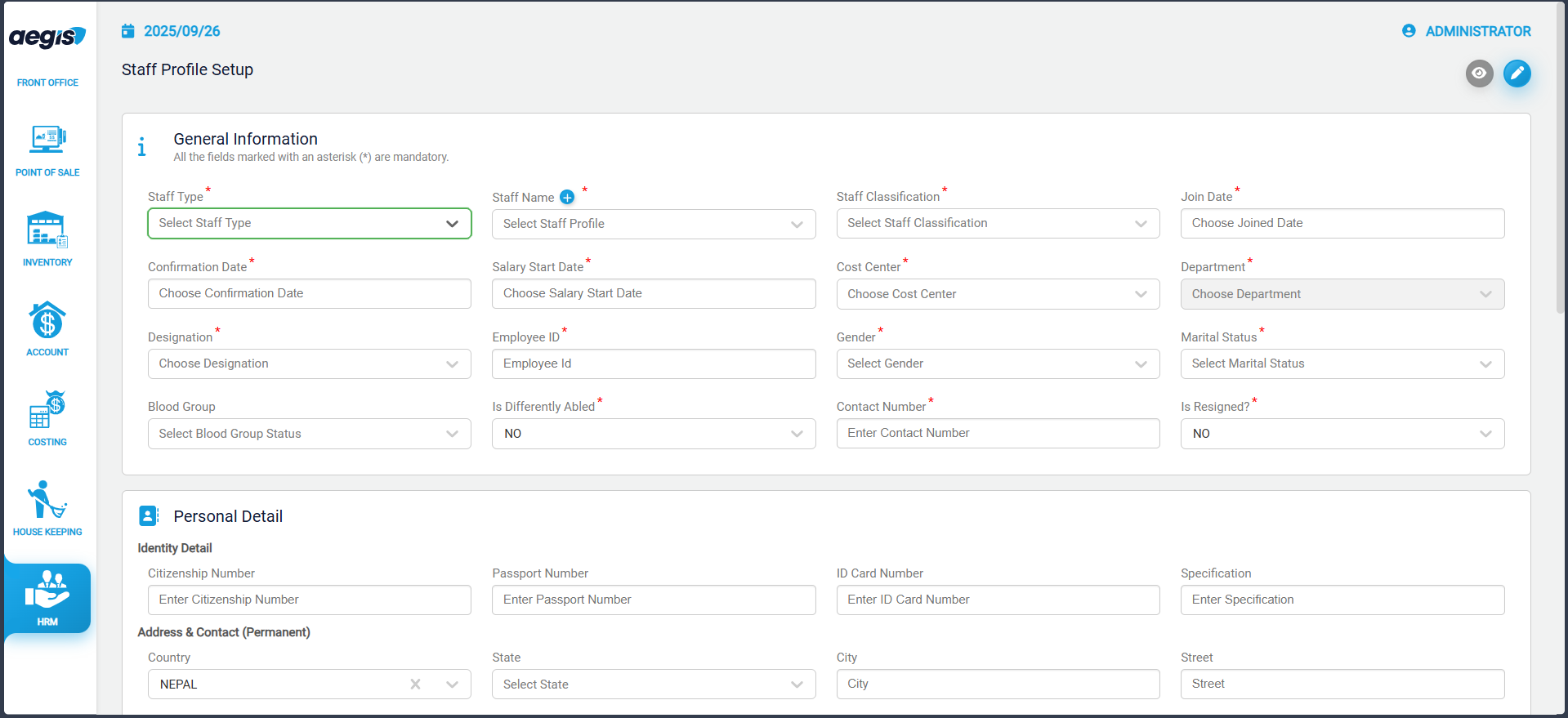
To add a new staff member:
-
Go to HRM → Setup → Staff Profile
-
Click the pencil icon or press ALT + 2
Important:
Before creating a staff profile, you must first create the staff name in:
Application → Receivable Profile
After creating the name in Receivable Profile:
-
Return to HRM → Setup → Staff Profile
-
Enter the employee details (department, designation, joining date, etc.)
-
Save the profile
Manage Staff Profile
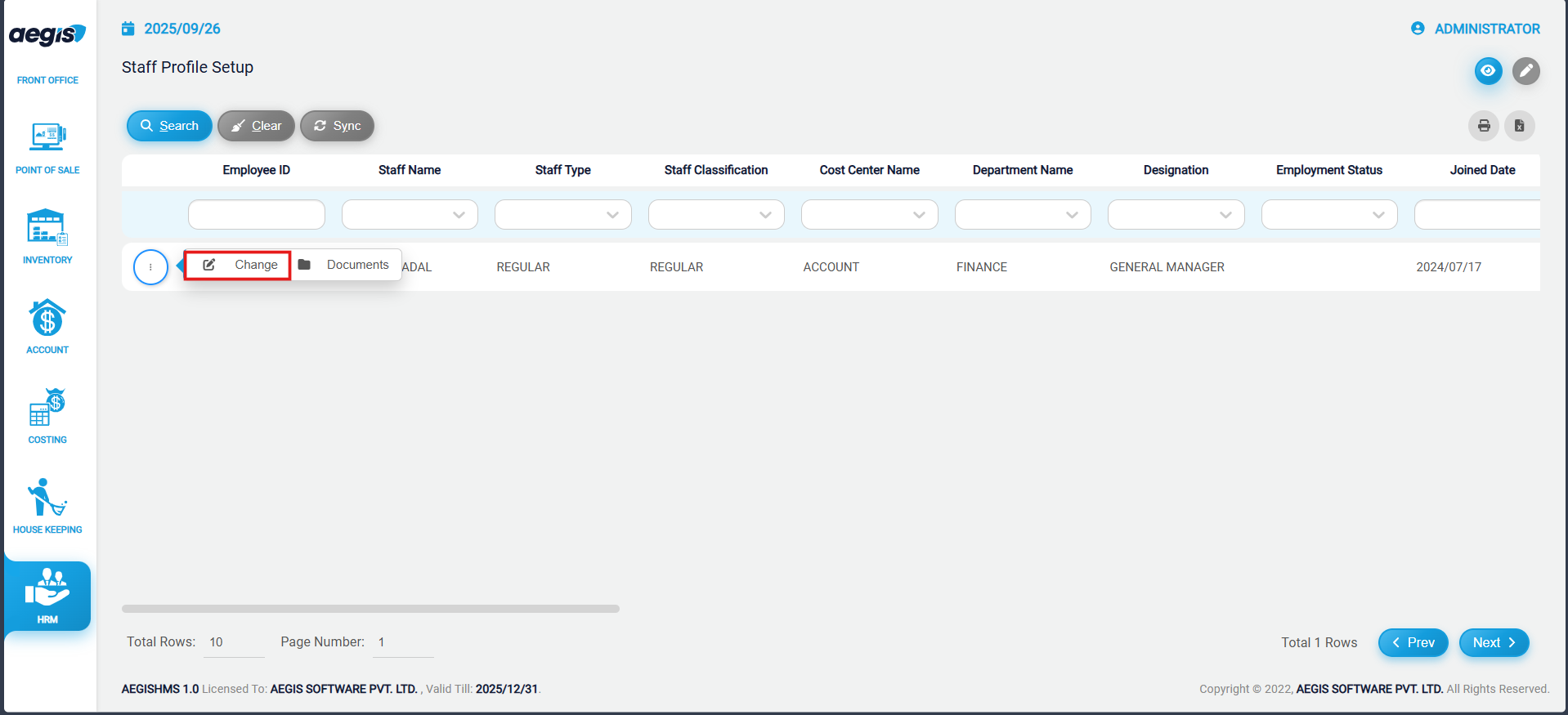
To update or manage an existing staff profile:
-
Search for the staff member using the available search filters
-
Click the three-dot menu on the left side of the list
-
Select the appropriate option to edit or update information
This allows you to modify any staff details as required.
No Comments