Bill Print
Bill Print
The Bill printPrint feature in aAegis PMSSoftware refersis used to the functionality that enables generatingtrack and monitor bill printing invoices or bills for services or productsactivities within the system. It streamlinesrecords details about who printed a bill, when it was printed, and how many times it has been printed. This module is primarily used for audit control, verification, and reporting purposes.
Note: Bills or VAT bills are not issued from this screen. This module is used only for bill print tracking and reporting.
Purpose of Bill Print
The Bill Print module is used for:
-
Tracking printed customer bills for hotel services
-
Monitoring original and duplicate bill prints
-
Verifying billing activity for audit and control
-
Identifying who printed the
billing process by automatically populating relevant detailsbill andallowingwhencustomization -
Reviewing total copy count of each bill
Print Count
-
Print Count shows the total number of times the original bill has been printed
-
Each additional print of the same bill increases the print count
-
This helps prevent misuse of bill
formats, ensuring accuratereprints andprofessional-lookingsupportsinvoicesauditfor customers or clients.verificationThis
Print count: It shows the number of Copy of original bill print i.e multiple time print of original bills.
Bill Print Report – Filters
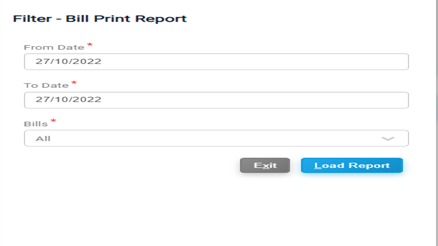
Filter -The Bill Print Report:Report allows users to filter and review bill printing history based on specific criteria.
Access Bill Print Report
Filter Options
Here youYou can filter the bill print report using the following options:
-
From Date: Start date
wiseof the billing period -
To Date: End date of the billing period
-
Bill Number: View print history of a specific bill
Steps to Load Report
-
Enter From Date and
billTowiseDate, or select a Bill Number -
ToPressfilterALTbill,+print report, goL toApplicationload>> Report >>Bill printthe report
Optional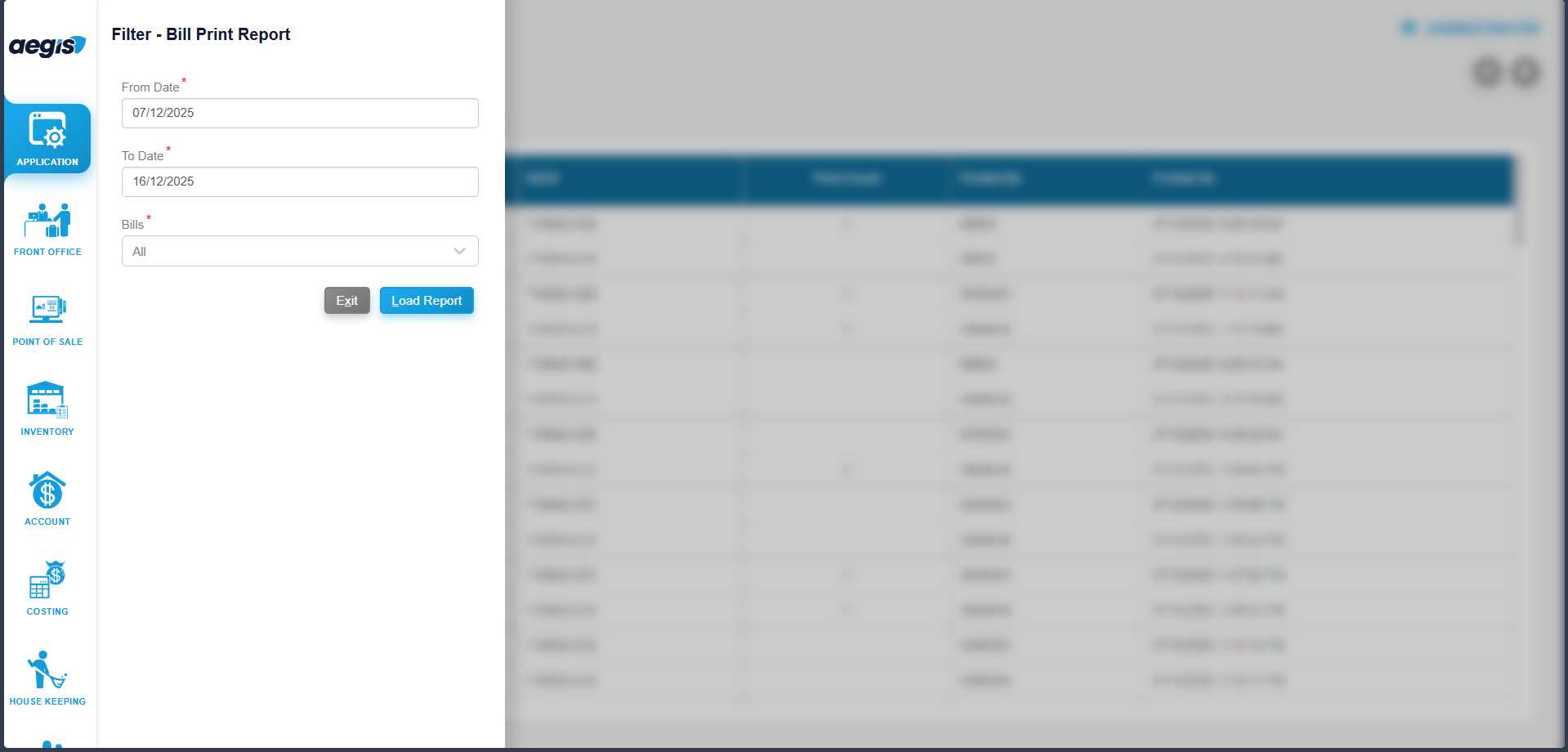
Report date"Output
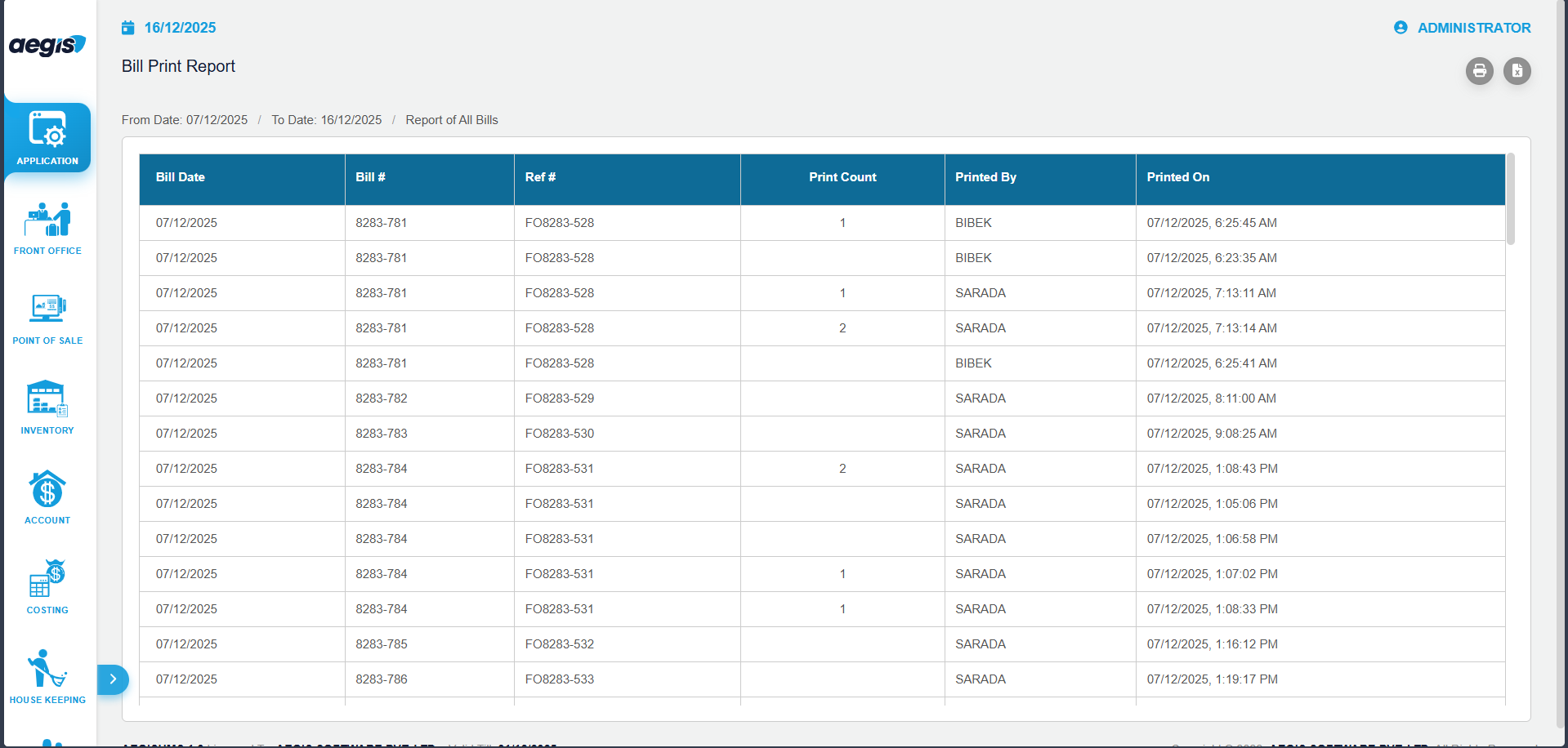
The Bill Print Report displays:
-
Bill Number
- Ref Number
-
Bill Date
-
Customer Details
-
Print Count
-
Printed By (User)
-
Print Date & Time
This report is useful for billing audits, operational review, and "Tocompliance date"checks.
Important "Notes
-
Bill
number"Print is a tracking report only -
VAT
PressbillsAlt+areLnot issued from this screen -
The report is read-only and cannot be edited
-
Print count increases every time a bill is printed
-
Access should be restricted to
loadauthorized users only