OTP Management
View Existing OTPs
It’s forThegateOTPpassManagementverification,module in Aegis PMS allows administrators to view, track, and generate One-Time Passwords used within the system. This feature helps ensure secure authentication and controlled access to sensitive operations.
To access the OTP management ensures secure access by:
Sending OTPs to registered users for authentication.Validating OTPs before issuing or returning a gate pass.Expiring OTPs after a set time to prevent misuse.
list:
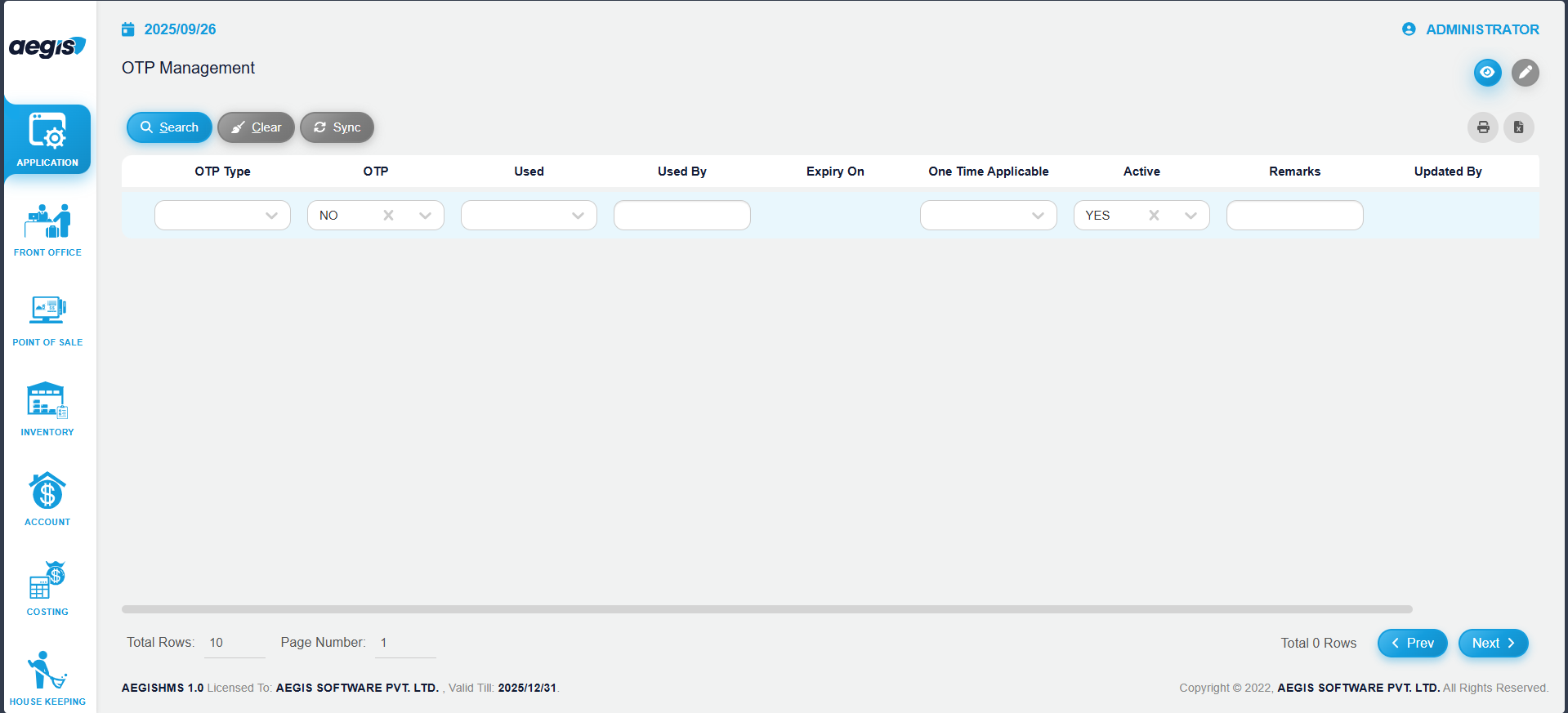
You will see a list of all OTPs that have already been generated in the followingsystem.
Within this screen, you can:
-
View all generated OTPs
-
Search OTPs using filters such as Is Used, Show/Hide, or other available options in the header above the search bar
-
Click Search or press ALT + S to load results
Generate a New OTP
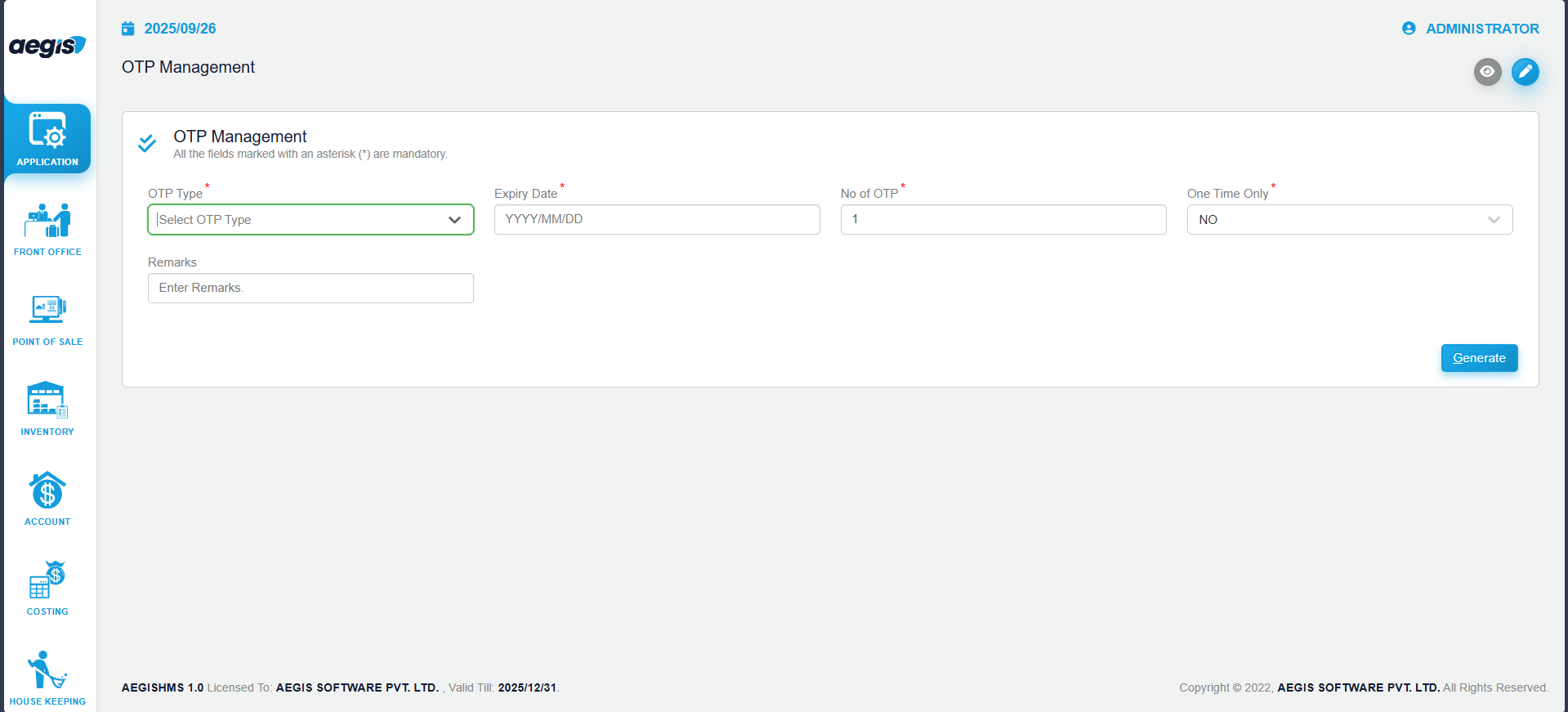
To create a new OTP:
-
Click the pencil icon or press ALT + 2
-
Enter the required details
-
Click on
‘Generate. - New generated OTP
MANAGEMENT’youicon.can see in eye view.